
22nd Oct 2026
Walkie Talkie Call Scripts for UK Events and Security Teams
Knowing how to talk on a walkie talkie is an essential skill for UK security teams, event stewards, door supervisors and venue staff. Clear radio communication helps teams coordinate entrances, manage queues, report incidents and respond quickly when something goes wrong.
The most effective walkie talkie communication follows a simple pattern: identify who you are calling, identify yourself, deliver a short message, and confirm that it has been understood.
This guide explains essential walkie talkie language, common radio codes and ready-to-use call scripts for UK festivals, concerts, sporting events, security patrols and other busy workplaces.
How to Talk on a Walkie Talkie Correctly
A walkie talkie is a two-way radio that allows users to communicate over radio frequencies without relying on mobile networks. Most handheld walkie talkies use a push-to-talk (PTT) system. When you press the talk button, your device transmits. When you release it, you can hear the other party. On a typical shared simplex channel, only one person can transmit successfully at a time.
Step 1: Check Your Radio Before Starting Your Shift
Before an event opens or a security patrol begins:
- Ensure your walkie talkie is fully charged.
- Check that everyone is using the assigned channel and compatible radio settings.
- Confirm that the volume is appropriate for the environment.
- Test the PTT button and microphone.
- Perform a radio check with Event Control.
- Test signal strength in key locations, including stairwells, underground areas, loading bays and entrances.
- Make sure you understand the backup communication procedure.
For larger teams, consider assigning one radio channel to general operations and separate, properly authorised channels to specialist teams. If your team is unfamiliar with radio channels, read our UK guide to walkie talkie channels.
Step 2: Listen Before Pressing the PTT Button
Always listen before transmitting. If another member of your security team is speaking, wait until their transmission finishes. Pressing PTT while another person is talking can block or interrupt important messages.
In normal circumstances, the person sending the message should identify both the intended recipient and themselves:
Step 3: Wait Briefly Before Speaking
Press and hold the PTT button, pause briefly (approx. 1 second), and then speak. Waiting helps avoid losing the first word on some radio systems. Speak slowly and steadily at a normal volume, holding the microphone a few centimetres from your mouth slightly at an angle to avoid popping sounds.
Step 4: Keep Your Radio Message Short
Efficient communication is crucial on shared channels. Follow this simple structure:
Keep routine transmissions well below 30 seconds. Complex information should be divided into shorter messages.
Step 5: End Your Transmission Clearly
Use standard radio terms to prevent confusion:
- Over: You have finished speaking and expect a reply.
- Out: The conversation is finished and no reply is required.
Essential Walkie Talkie Lingo and Radio Codes
Walkie talkie lingo helps operators share information quickly, but plain, clear language is usually better than overly complicated codes.
| Radio Term | Meaning | Example |
|---|---|---|
| Roger | Message received and understood | "Roger, heading to Gate Two." |
| Copy | Message received or understood | "Copy, staff entrance closed." |
| Over | Finished speaking; reply expected | "Please confirm. Over." |
| Out | Conversation ended; no reply expected | "Control out." |
| Stand by | Wait for further information | "Stand by while I check." |
| Go ahead | Ready to receive your message | "Security Two, go ahead." |
| Say again | Repeat the last message | "Say again your last message." |
| Radio check | Request to confirm radio operation | "Control, radio check. Over." |
| Loud and clear | Signal is easy to understand | "Receiving you loud and clear." |
| Negative | No | "Negative, gate remains closed." |
| Affirmative | Yes | "Affirmative, barrier is secure." |
| Correction | Previous information needs correcting | "Correction, west entrance." |
Are Walkie Talkie Codes the Same in Every Organisation?
No. Two-way radio codes vary between industries and countries. For example, "10-4" is a North American code that UK event teams do not need to use. Saying "Roger" or "Message received" is much clearer. Use plain language for safety-critical information.
Ready-to-Use Walkie Talkie Call Scripts for UK Event Teams
These examples are designed for event stewards, front-of-house staff, security personnel, and control rooms.
Scenario: A team member arrives at the main entrance of a music festival and needs to confirm that the radio is working.
Why it works: Confirms radio operation and staff readiness in one short exchange. For noisy events, compatible PTT earpieces ensure messages are heard clearly without raising volume excessively.
Scenario: A steward notices queues building faster than expected outside a concert venue.
Why it works: Identifies location, explains the situation, and requests clear action without ambiguous shorthand.
Scenario: A security officer is completing a routine patrol around a stadium.
Why it works: Event Control receives an accurate status update without clogging up the channel.
Scenario: A steward finds a visitor who has collapsed near a food stall.
Why it works: Communicates location, observed condition, and urgency clearly. The steward reports observable facts rather than attempting a medical diagnosis. In a life-threatening situation, ensure 999 is called promptly.
Scenario: A festival steward encounters a child separated from their guardian.
Why it works: Coordinates support without broadcasting sensitive child details over open radio channels.
Scenario: A steward notices crowd movement becoming restricted near a stage entrance.
Why it works: Flags a crowd safety issue early without causing panic or inventing unofficial codes.
Scenario: One security officer is being relieved at a venue entrance.
Why it works: Control confirms the post remains staffed and the handover is recorded.
Emergency Walkie Talkie Communication for Security Teams
In an emergency, plain speech and clear identification save vital seconds. A practical emergency radio report should include:
- Location: Where exactly is the incident?
- Incident: What has happened or been observed?
- Risk: Is anyone in immediate danger?
- Response: What assistance is needed?
- Update: Has the situation changed?
Follow your site's emergency procedures and HSE guidelines. See official HSE guidance on event incidents and emergencies.
Should Security Teams Use Emergency Channels?
An emergency channel is only effective when agreed upon beforehand. There is no universal emergency channel in the UK that directly connects walkie talkies to emergency services. For immediate danger to life, call 999.
Using the NATO Phonetic Alphabet on a Walkie Talkie
The NATO phonetic alphabet helps spell names, gate numbers, and vehicle registrations clearly through loud background noise.
| Letter | Word | Letter | Word |
|---|---|---|---|
| A | Alfa | N | November |
| B | Bravo | O | Oscar |
| C | Charlie | P | Papa |
| D | Delta | Q | Quebec |
| E | Echo | R | Romeo |
| F | Foxtrot | S | Sierra |
| G | Golf | T | Tango |
| H | Hotel | U | Uniform |
| I | India | V | Victor |
| J | Juliett | W | Whiskey |
| K | Kilo | X | X-ray |
| L | Lima | Y | Yankee |
| M | Mike | Z | Zulu |
Security One: "Control, this is Security One. Vehicle registration begins Alfa Bravo Charlie. Numbers one two three. Over."
Control: "Security One, copy. Alfa Bravo Charlie, one two three. Over."
Walkie Talkie Etiquette for Busy and Noisy Environments
- Use Plain Language: Say "Medical assistance required at west entrance" instead of ambiguous internal codes.
- Avoid Shouting: In noisy environments, use a compatible speaker microphone or earpiece rather than yelling into the radio.
- Keep Confidentiality: Avoid broadcasting personal addresses, full names, or sensitive medical details over unencrypted channels.
- Give Priority to Urgent Traffic: Cease routine transmissions when an emergency report is in progress.
- Confirm Important Instructions: Always repeat key locations or numbers back to Control to confirm accuracy.
How to Handle Weak Walkie Talkie Signals
Concrete structures, thick walls, and crowds can weaken radio signals. If audio is unclear, use this phrasing:
Choosing Walkie Talkies for UK Events and Security Operations
| Radio Category | Typical Suitability | UK Licensing Consideration |
|---|---|---|
| Compliant PMR446 Radios | Small venues, short-range staff coordination and local event teams | Licence-exempt when compliant (Ofcom Licence-Exempt Rules) |
| Licensed Business Radios | Larger events, professional security operations and multi-zone venues | Requires appropriate Ofcom Business Radio License |
| Amateur Handheld Radios | Licensed amateur radio activities and hobby communication | Not authorised for commercial security or event business use |
Licence-Free PMR446 Radios for Smaller Teams
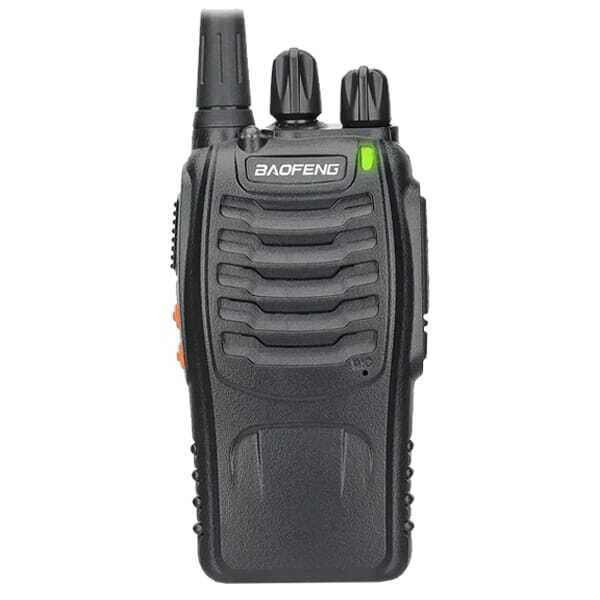
For smaller UK venues, licence-free radios offer simple group communication. Explore licence-free PMR446 walkie talkies or check the Baofeng BF-888S PMR446 range.
Licensed Radios for Professional Security Operations
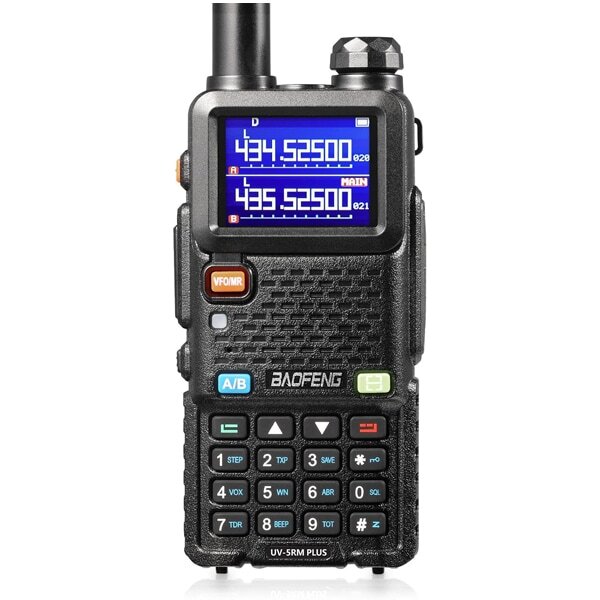
Larger venues require higher-power business radios. Higher-power models like the Baofeng UV-5R series require appropriate licenses. Read our UK walkie talkie licence guide and review official Ofcom Business Radio licensing guidance.
Browse specialised equipment: walkie talkies for security teams and multi-pack two-way radio sets.
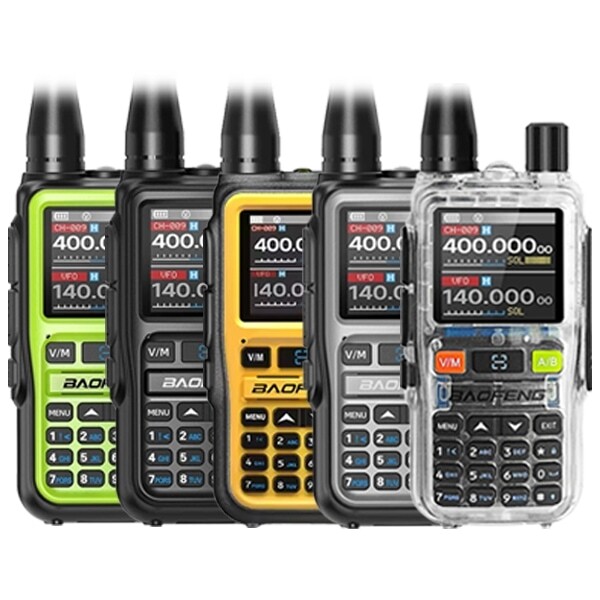
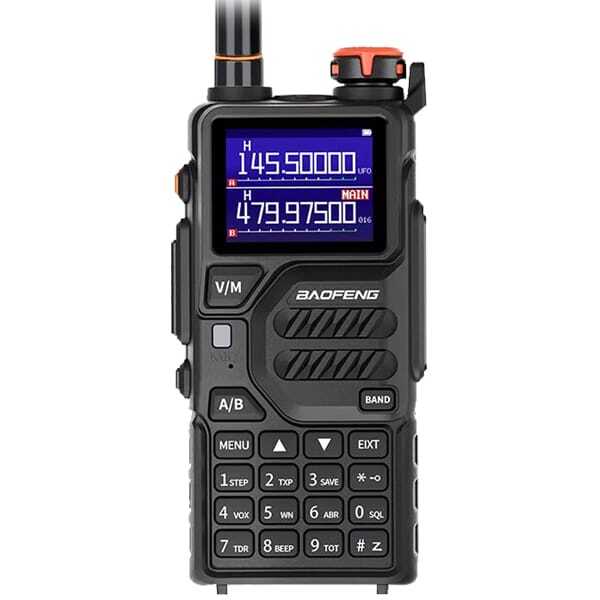
Recommended Walkie Talkies for UK Event & Security Operations
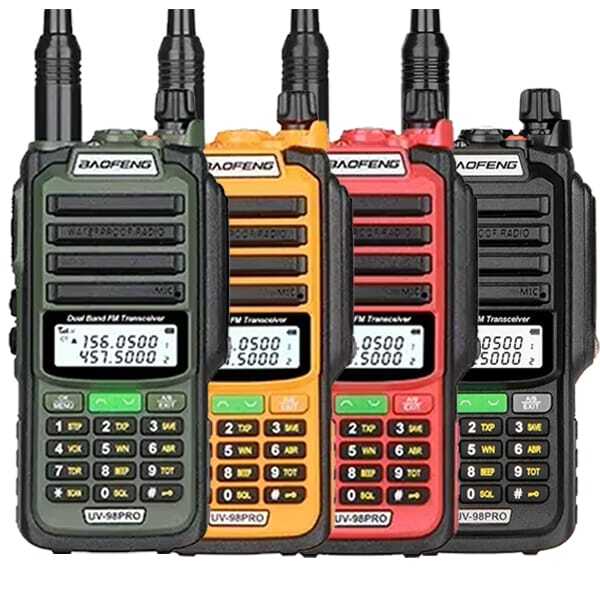
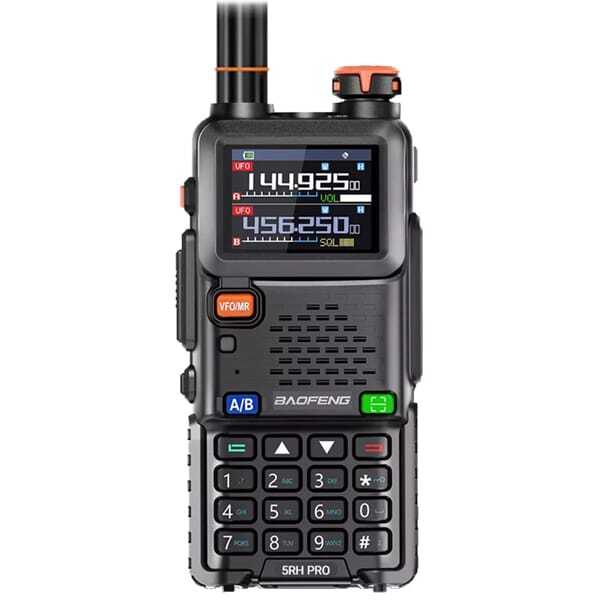
Equip your stewards, door supervisors, and security leads with reliable, professional-grade Baofeng radios and multi-pack sets.
Training Your Event Team to Use Walkie Talkies
Effective walkie talkie communication requires practice. A 5-minute pre-event radio briefing helps eliminate confusion during live operations.
⏱️ 5-Minute Pre-Event Radio Exercise
- Minute 1 — Equipment check: Confirm battery level, assigned channel, microphone, and volume.
- Minute 2 — Call signs: Assign distinct call signs (e.g., Control, Gate One, Security Two, Medical One).
- Minute 3 — Terminology: Practise using "Over", "Out", "Roger", "Stand by", and "Say again".
- Minute 4 — Incident reporting: Run a quick simulation reporting a queue issue or requesting steward support.
- Minute 5 — Emergency procedure: Review emergency escalation, contact roles, and channel priority.
Frequently Asked Questions About Walkie Talkie Communication
1. How do you talk on a walkie talkie properly?
Listen before transmitting, press and hold the PTT button, pause briefly, and speak clearly. State who you are calling first, followed by who you are. Keep messages brief and end with "Over" when expecting a response or "Out" when finished.
2. What do you say first on a walkie talkie?
Start with the recipient's call sign followed by your own. For example: "Control, this is Security One. Radio check. Over."
3. What does 10-4 mean on a walkie talkie?
"10-4" is a North American ten-code meaning "message received". UK security teams generally prefer plain terms like "Roger", "Copy", or "Message received".
4. What is the difference between Roger, Over and Out?
Roger means message received and understood. Over means you have finished speaking and expect a reply. Out means the conversation is finished and no reply is expected.
5. What should a security officer say during an emergency?
Identify your call sign, give your exact location, state the facts of the incident clearly, and request required assistance. For example: "Control, this is Security Three. Medical emergency at main entrance. One person unconscious. Request immediate assistance. Over." Call 999 for life-threatening events.
6. Can UK security teams use walkie talkies without a licence?
Yes, provided they use genuinely compliant PMR446 equipment. Larger security operations using higher-power radios require an Ofcom Business Radio license.
Final Thoughts: Clear Radio Communication Makes Better Teams
Reliable communication depends on clear call signs, concise messages, proper radio etiquette, accurate location reporting, and confirmation that information has been understood. Practise call scripts before your shift and test equipment on site.
For professional event and venue equipment, explore Baofeng Radio UK's two-way radios for security, 10-pack radio sets, and radio accessories.