
17th Jun 2026
Walkie Talkie Channels Explained: A Simple UK Guide

- 1. Introduction: The Channel Confusion
- 2. What Is a Walkie Talkie Channel?
- 3. Walkie Talkie Channels vs Frequencies
- 4. Why Do Walkie Talkies Have Different Channels?
- 5. What Are PMR446 Channels in the UK?
- 6. Best Walkie Talkies for UK Channels
- 7. Are Walkie Talkie Channels Private?
- 8. What Are Privacy Codes?
- 9. CTCSS or DCS Explained
- 10. Why Can I Hear Other People on My Walkie Talkie Channel?
- 11. What Is Channel Scanning?
- 12. What Is Dual Watch?
- 13. Do Different Walkie Talkie Channels Have Better Range?
- 14. Licensed vs Licence-Free Walkie Talkie Channels
- 15. Common Walkie Talkie Channel Mistakes
- 16. Best Practices for Using Walkie Talkie Channels
- 17. FAQ: Walkie Talkie Channels Explained
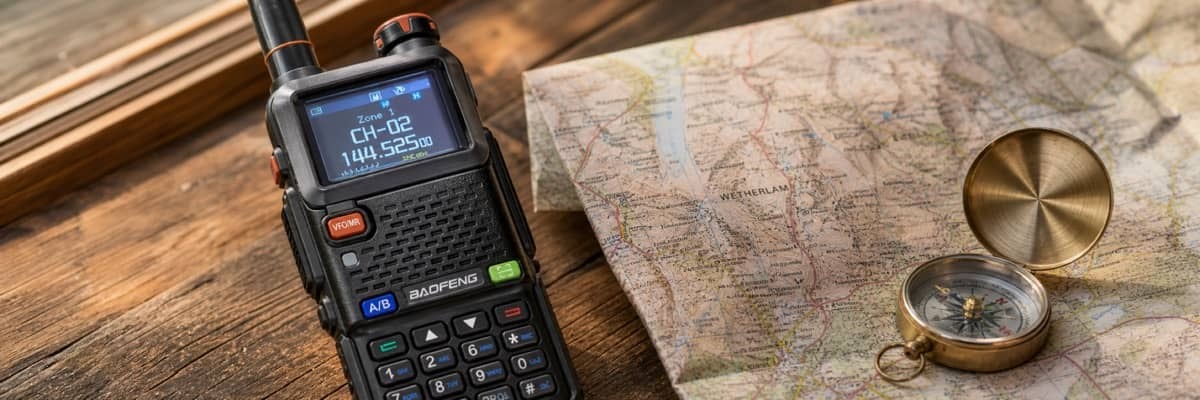
If you are new to two-way radios, the word “channel” can be confusing at first. Most walkie talkies come with a list of channels, and many also include privacy codes, scan functions, dual watch, or programmable frequency settings. The good news is that you do not need to be a radio expert to understand the basics.
In simple terms, a walkie talkie channel is the setting that tells your radio where to listen and where to transmit. When two or more compatible radios are set to the same channel, they can usually communicate with each other by pressing the push-to-talk button.
This guide explains walkie talkie channels in plain English, with a focus on UK users. You will learn what channels are, how they relate to radio frequencies, what PMR446 channels mean, how privacy codes work, why interference happens, and when UK radio licence rules may apply.
What Is a Walkie Talkie Channel?
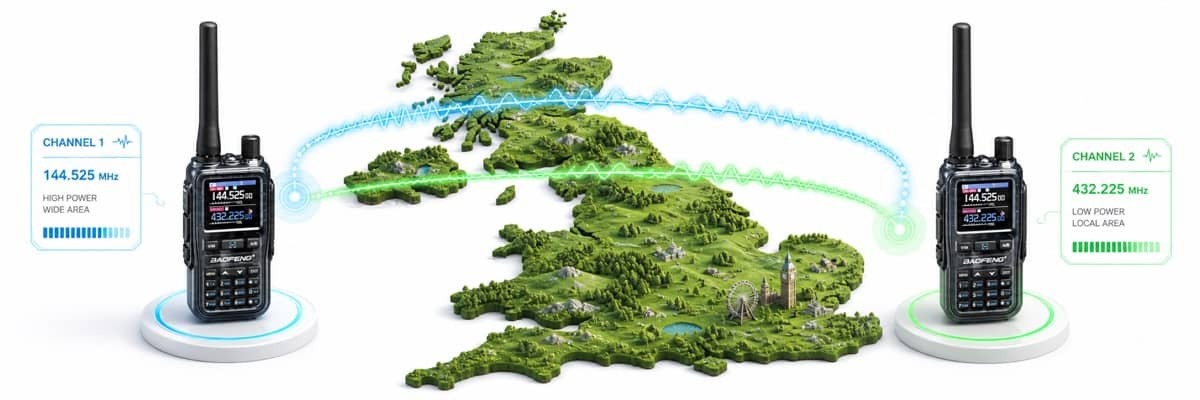
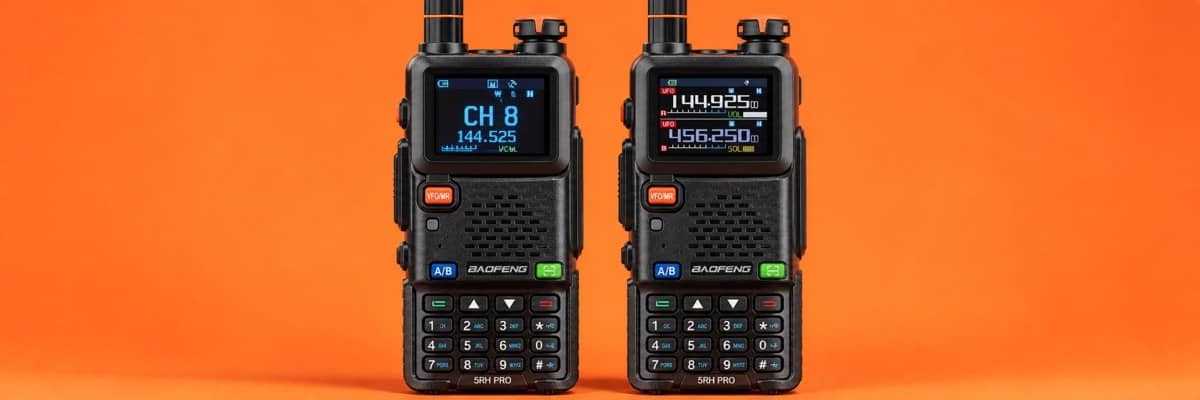
A walkie talkie channel is a preset communication path. Instead of manually entering a radio frequency every time you want to talk, you simply select a channel number such as Channel 1, Channel 2, or Channel 3.
A useful way to understand channels is to think of them like lanes on a road. Each lane gives traffic a place to move. With walkie talkies, each channel gives radio signals a place to travel. If two radios are using the same channel and compatible settings, they are effectively listening and speaking in the same place.
For everyday users, channels make walkie talkies much easier to use. Families, outdoors groups, security teams, retail staff, event organisers and construction workers can choose a channel without needing to understand the full technical details behind radio frequencies.
However, a channel is not a private phone line. It is a shared radio space. If another compatible radio nearby is set to the same channel, that user may also hear the conversation.
Walkie Talkie Channels vs Frequencies
To understand walkie talkie channels properly, it helps to know the difference between a channel and a frequency.
A frequency is the actual radio signal position. It is usually measured in MHz, which stands for megahertz. A channel is a user-friendly label assigned to a specific frequency.
For example, a licence-free PMR446 radio in the UK uses frequencies in the 446 MHz range. Instead of asking users to enter an exact frequency, the radio may show this as Channel 1, Channel 2, or another channel number.
In simple terms:
- Frequency means the exact radio wave position.
- Channel means the easy-to-use number assigned to that frequency.
This is why radios must be compatible to work together. If one radio’s Channel 1 uses a different frequency from another radio’s Channel 1, they may not communicate even if the screen shows the same channel number. This is especially important when mixing different radio types, imported radios, programmable radios, or radios from different regions.
Why Do Walkie Talkies Have Different Channels?
Walkie talkies have different channels so users can separate conversations. If every radio used only one channel, everyone nearby would hear everyone else at the same time. This would quickly become messy in busy environments.
Different channels allow different groups to organise communication. For example, one event team may use Channel 1 for general coordination and Channel 3 for parking. A hotel may use one channel for front desk staff and another for maintenance. A farm, school, shop, warehouse or construction site may also divide channels by team or task.
Using multiple walkie talkie channels helps reduce confusion, but it does not guarantee privacy. Channels are shared, and other nearby users may still be present. If a channel is busy, changing to a quieter channel can improve communication.
What Are PMR446 Channels in the UK?
In the UK, many licence-free walkie talkies use PMR446 channels. PMR446 is a short-range radio service designed for simple two-way communication. It is commonly used by families, leisure users, schools, shops, hospitality teams, small worksites and other users who need quick local communication without relying on mobile phone signal.
Modern analogue PMR446 radios usually offer 16 channels within the 446.0 to 446.2 MHz range. These channels are intended for mobile, short-range, peer-to-peer communication. They are useful for everyday situations where users need fast voice contact over a local area.
In the UK, radio spectrum use is regulated by Ofcom, so users should make sure their equipment and settings are appropriate before transmitting.
However, an important point is often misunderstood: PMR446 is not only about the frequency. It also has technical requirements, including limits on power and equipment design. In the UK, licence-free PMR446 use requires compliant equipment operated within the correct conditions.
This means not every radio that can tune to 446 MHz is automatically licence-free. A programmable radio may be technically capable of reaching PMR446 frequencies, but that does not mean it can legally transmit there without a licence. UK users should always check whether their radio is suitable for licence-free PMR446 use before transmitting.
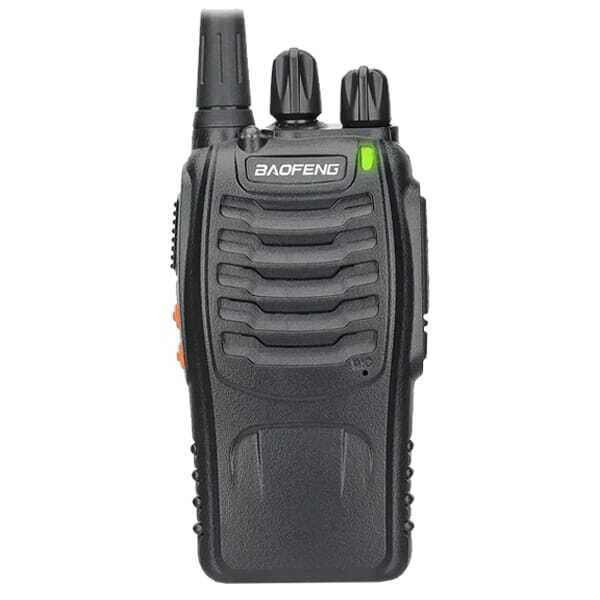
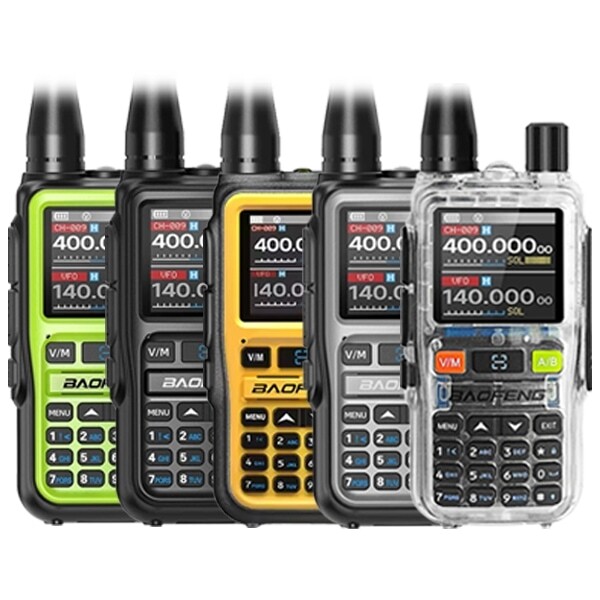
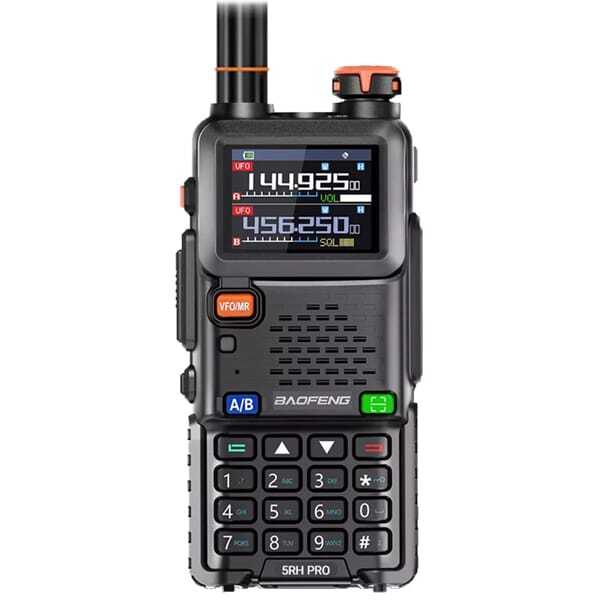
Top Hardware Picks for UK Radio Channels
Explore high-performance gear built for seamless channel configuration and reliable UK communication.
Are Walkie Talkie Channels Private?
No, standard walkie talkie channels are not truly private. If another compatible radio is nearby and tuned to the same channel, it may be able to hear your conversation.
This is one of the biggest misunderstandings about walkie talkies. A channel helps users organise communication, but it does not encrypt the conversation. Anyone using compatible equipment on the same channel may be able to listen.
For this reason, users should avoid sharing sensitive personal, financial, security or confidential business information over standard walkie talkie channels. Walkie talkies are excellent for quick operational communication, but they should not be treated like secure mobile phones.
What Are Privacy Codes?
Many walkie talkies include privacy codes. These may also be called CTCSS codes, DCS codes, sub-channels, tones, squelch codes, or interference eliminator codes.
Despite the name, privacy codes do not make a conversation private. They do not encrypt your voice. Instead, they help your radio ignore transmissions that do not use the same code.
For example, imagine several groups are all using Channel 5 in the same area. If your group uses Channel 5 with Privacy Code 12, your radios will usually stay quiet unless they receive a signal using the same code. This can make communication feel cleaner because you hear less unwanted chatter.
However, other users may still be transmitting on the same channel. They are not removed from the frequency. Your radio is simply filtering out audio that does not match your code. If someone listens on the same channel without a code, they may still hear the transmission.
So privacy codes are best understood as noise filters, not security tools.
CTCSS or DCS Explained
CTCSS or DCS helps radios filtering settings used on top of the main channel.
Continuous Tone-Coded Squelch System. It works by adding a low-frequency tone to the transmission. Radios set to the same CTCSS tone will open their speaker when they receive that tone.
Digital-Coded Squelch performs a similar function but uses digital codes instead of analogue tones.
For most everyday users, the difference is not something to worry about too much. The practical rule is simple: all radios in the group must use the same channel and the same code type.
If one radio is set to Channel 4 with CTCSS Code 8, and another radio is set to Channel 4 with DCS Code 8, they may not communicate correctly. The number may look similar, but the code system is different. When setting up a group, always check both the channel and the privacy code.
Why Can I Hear Other People on My Walkie Talkie Channel?
If you hear other people on your walkie talkie channel, it usually means the channel is being used nearby. Walkie talkie channels are shared, especially licence-free channels. This is common in busy areas such as campsites, shopping centres, events, urban spaces, warehouses, hotels, farms, schools and public outdoor locations.
You can try switching to a quieter channel. You can also use a privacy code to reduce unwanted audio. However, privacy codes do not give you exclusive use of a channel. Other users may still be transmitting on the same frequency.
If your radio has a scan function, you can scan available channels to find one with less activity. In a team setting, it is a good idea to agree on a main channel and a backup channel before starting work.
What Is Channel Scanning?
Channel scanning allows a walkie talkie to check multiple channels automatically. Instead of staying on one channel, the radio moves through a list of channels and stops when it detects activity.
This can be useful if you want to monitor several channels or find an active channel. For example, an event coordinator may scan team channels to keep track of activity. An outdoor user may scan channels before choosing a quiet one.
However, scanning does not mean you can instantly join every conversation. To reply properly, your radio must be on the correct channel and use compatible settings. If privacy codes are involved, those settings must match as well.
What Is Dual Watch?
Dual watch is a feature that lets a walkie talkie monitor two channels. This can be useful when you want to stay connected to a main group channel while also monitoring a backup or emergency channel.
For example, a team may use one channel for general communication and another for urgent updates. Dual watch helps the user keep an ear on both without constantly switching channels manually.
Different radios may handle dual watch in different ways, so it is always worth testing the feature before relying on it in a real situation.
Do Different Walkie Talkie Channels Have Better Range?
Changing channels does not usually create a major increase in range. Walkie talkie range depends more on power, antenna design, terrain, buildings, weather, battery level, radio position and line of sight than on the channel number itself.
Radios work best when there is a clear path between users. Hills, thick walls, metal structures, vehicles, dense woodland and large buildings can all reduce signal strength. UHF channels, such as those used by PMR446, can work well around buildings compared with some lower-frequency signals, but they are still affected by obstacles.
If your range is poor, switching channels may help if the current channel is busy or affected by interference. But it will not overcome major physical barriers. Moving to higher ground, stepping away from metal objects, keeping the battery charged and holding the radio upright can often make a bigger difference.
Licensed vs Licence-Free Walkie Talkie Channels
One of the most important things for UK users to understand is that not all walkie talkie channels are licence-free.
PMR446 is the common licence-free option for short-range use when compliant equipment is used correctly. Other frequencies may require an amateur radio licence, a business radio licence, or another form of authorisation. If you are wondering, "How Do I Get a Ham Radio Licence?", our complete UK step-by-step framework covers everything you need to know.
This matters because some handheld radios are capable of transmitting across a wider range of frequencies. Capability does not automatically mean permission. A radio may be able to reach a frequency, but the user still needs the legal right to transmit there.
For casual short-range communication, compliant PMR446 radios are often the simplest choice. For businesses or organisations that need stronger coverage, more control, or less interference, a licensed radio setup may be more appropriate.
Common Walkie Talkie Channel Mistakes
Many beginner problems come from simple setup errors. Some of the most common mistakes include using the same channel but different privacy codes, choosing a busy channel, assuming privacy codes are secure, using non-compliant equipment on licence-free channels, expecting the maximum advertised range in real-world conditions, or mixing radios with different channel plans.
Another common mistake is judging a radio too quickly without testing it properly. Before using walkie talkies for work, travel or outdoor activities, set every radio to the same channel and code, test them at short range, then test again at a realistic working distance.
A short test before use can prevent confusion later.
Best Practices for Using Walkie Talkie Channels
For clear communication, keep your setup simple. Choose one main channel for the group and one backup channel if needed. Make sure every user knows the correct channel and privacy code.
Use short messages. Say who you are calling, then speak clearly. Press the push-to-talk button, wait a brief moment, and then start talking. This helps prevent the first word from being cut off.
Avoid talking over other users. If the channel is busy, wait until it clears. In a workplace or event setting, agree basic radio etiquette before starting. This keeps communication professional and reduces unnecessary chatter.
For UK users, it is also good practice to understand whether your radio use is licence-free or licensed. If you are unsure, check the equipment type, frequency range, power level and intended use before transmitting.
FAQ: Walkie Talkie Channels Explained
How many channels do walkie talkies have in the UK?
Many modern analogue PMR446 walkie talkies in the UK use 16 channels. Some radios may also include privacy codes, which can make it look like there are many more channel combinations. However, privacy codes are not separate private channels; they are filtering settings used on top of the main channel.
Are walkie talkie channels private?
No. Standard walkie talkie channels are shared. Other compatible radios nearby may be able to hear your conversation if they are using the same channel. Privacy codes can reduce unwanted audio, but they do not encrypt your communication.
What is the difference between a walkie talkie channel and a frequency?
A frequency is the exact radio signal position, usually measured in MHz. A channel is a simple number assigned to that frequency. Channels make radios easier to use because users can select a number instead of entering technical frequency details.
Can I use any walkie talkie on PMR446 channels?
No. In the UK, licence-free PMR446 use requires compliant equipment operated within the correct technical limits. A radio that can tune to 446 MHz is not automatically legal to use licence-free. Always check that your radio is suitable for PMR446 use before transmitting.
Why do I hear other people on my channel?
You may hear other people because walkie talkie channels are shared. If others nearby are using the same channel, their transmissions may be heard on your radio. You can try changing to a quieter channel or using a privacy code to reduce unwanted audio.
Final Thoughts
Walkie talkie channels are much easier to understand once you know the basics. A channel is simply a preset communication path that helps users talk without manually entering radio frequencies. To communicate successfully, radios need to be compatible and set to the same channel. If privacy codes are used, those codes must match as well.
The most important thing to remember is that channels are shared. Privacy codes can help reduce unwanted chatter, but they do not make conversations truly private. Range depends on real-world conditions, not just channel numbers. And in the UK, licence rules matter, especially when moving beyond basic PMR446 use.
Once you understand channels, frequencies, PMR446, privacy codes and interference, walkie talkies become much easier to use. Whether you are planning outdoor activities, managing a small team, coordinating an event or learning how two-way radios work, a clear channel setup is the foundation of reliable communication.