
25th May 2026
Why Your Walkie Talkie Cuts Out When Talking (And Exactly How to Fix It)
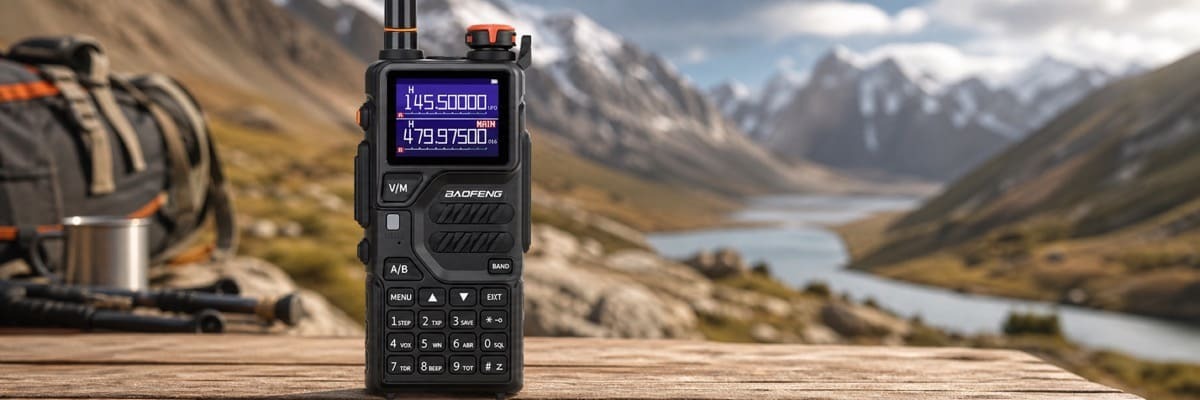
 Expert Guide: Why Does My Baofeng Walkie Talkie Cut Out?
Technical Diagnosis | Squelch & Frequency Optimization | 2026 Edition
If your walkie talkie cuts out when talking, the culprit is usually a weak battery, exceeding your maximum line-of-sight range, having your squelch settings configured incorrectly, or experiencing heavy channel interference. Whether you are an event organizer coordinating a massive outdoor festival, an airsoft team trying to maintain a tactical advantage, or a hiker navigating the unpredictable terrain of the Scottish Highlands, losing your communication mid-sentence is not just frustrating—it can be a serious safety hazard. In this guide, we are going to break down the technical and environmental reasons your two-way radio is dropping audio and provide you with actionable steps to get your transmissions crystal clear again.
As experts in two-way radio communication, we see these issues regularly. Fortunately, 90% of audio drop-outs can be solved without needing to buy a brand-new radio. Let’s dive into the seven most common causes and how to fix them.
Table of Contents
1. The Battery is Dying or Faulty
The single most common reason a walkie talkie cuts out during transmission is a lack of sufficient power. Receiving a signal requires very little battery power, but pushing the Push-To-Talk (PTT) button to transmit a voice signal draws a massive amount of current.
If your battery is low, aged, or faulty, the voltage will suddenly drop the moment you press PTT. The radio’s internal circuitry detects this voltage drop and shuts the transmission down to protect the device, resulting in your voice cutting out.
- The Fix: Always carry a fully charged spare battery. If your radio is old and doesn't hold a charge like it used to, it is time to replace the battery pack. Also, ensure the metal contact points between the battery and the radio are clean and free of dust or corrosion.
2. You Are Out of Range (or Blocked by Obstacles)
Walkie talkies rely on "line of sight" communication. Even if you have a high-powered 5W or 8W radio like the Baofeng UV-5R, physical obstacles will drastically reduce your effective range. If you step behind a thick concrete wall, descend into a valley, or enter a dense forest, the radio waves are absorbed or reflected, causing the audio to stutter and drop.
VHF vs UHF Radio Waves
It's important to understand the band you are using. VHF (Very High Frequency) travels further outdoors in flat terrain but struggles to penetrate buildings. UHF (Ultra High Frequency) is better at punching through wood, steel, and concrete, making it ideal for urban environments or airsoft arenas.
- The Fix: Move to higher ground. If you are inside a vehicle or a building, step outside or near a window to transmit. Ensure you are using the correct frequency band for your environment.
3. Your Squelch Level is Set Too High
"Squelch" is a circuit in your radio that mutes background static when no one is talking. It acts like a gate. If the squelch is set to a low number (e.g., 1), the gate opens easily for weak signals. If it is set high (e.g., 8 or 9), the gate only opens for very strong, nearby signals.
If your radio is cutting out when someone slightly further away speaks, your squelch is likely set too high, causing the radio to forcefully "mute" their slightly weaker transmission.
- The Fix: Lower your squelch setting. For most radios, you can adjust this in the menu settings. A squelch level of 3 to 5 is usually the sweet spot for balancing static reduction and picking up distant voices. You can learn exactly how to configure these settings via PC in our complete radio programming guide.
4. Loose or Damaged Antennas
The antenna is what broadcasts and captures the radio waves. Over time, antennas can become loose, bent, or internally fractured. A loose antenna will cause intermittent connections, meaning the radio will literally cut in and out as you walk or move your hand.
- The Fix: Ensure your antenna is screwed on finger-tight (do not over-tighten). If the rubber casing is cracked or the radio has been dropped frequently, upgrade to an aftermarket high-gain antenna (like a Nagoya NA-771) to instantly boost your transmission stability and range.
5. Channel Congestion and Interference
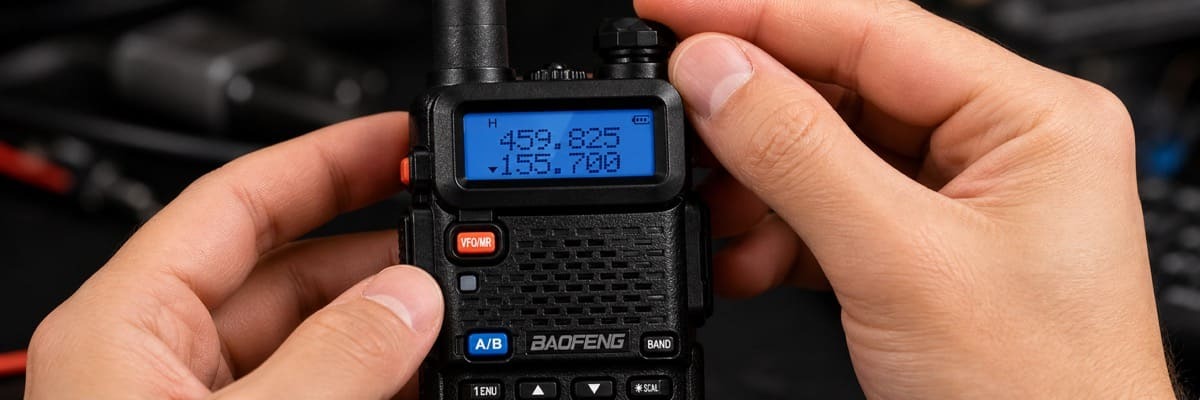
In the UK, many casual radio users operate on license-free PMR446 frequencies. Because these channels are open to the public, they can become heavily congested, especially near construction sites, ski resorts, or city centers. If someone else transmits a stronger signal on your channel at the exact same time, it can "step on" your transmission, causing your audio to drop out or become a garbled mess.
The Role of CTCSS or DCS Privacy Codes
- The Fix: Switch to a different, less crowded channel. If you must use a busy channel, enable CTCSS or DCS (often called privacy codes). While these don't encrypt your audio, they act as a filter, ensuring your radio only opens its speaker for transmissions coming from your specific team, blocking out random static and interference from other users.
6. VOX Mode is Misconfigured
VOX (Voice Operated Exchange) allows for hands-free communication. When the radio detects sound, it automatically begins transmitting without you needing to press the PTT button.
However, if the VOX sensitivity is set too low, the radio might stop transmitting the moment you take a breath or pause your sentence. Conversely, if you are in a noisy environment (like on a motorcycle or in high wind), the wind can constantly trigger and cut off the VOX mechanism, causing erratic, choppy audio.
- The Fix: If you don't absolutely need hands-free operation, turn VOX off and rely on manual PTT. If you do need it, adjust the VOX sensitivity level in your radio's menu to match the ambient noise level of your environment.
7. Hardware or Microphone Damage
Finally, if you work in harsh environments—like a construction site or an auto shop—metal shavings, dust, or moisture can get trapped inside the microphone grill. This physically blocks your voice from reaching the internal mic, or causes a short circuit that interrupts transmission.
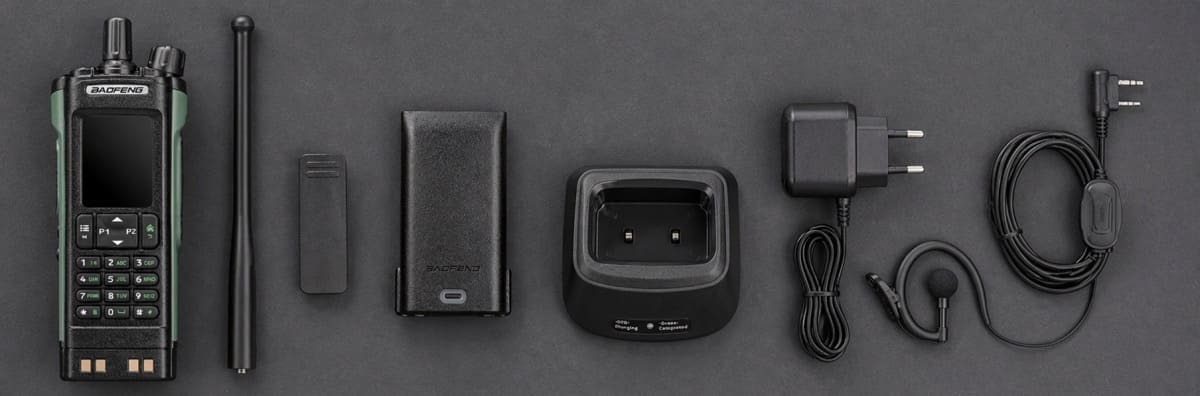
- The Fix: Inspect the microphone grill. Use a can of compressed air to gently blow out any dust or debris. If you are using a speaker mic or earpiece accessory, ensure the two-prong plug is fully seated in the side of the radio. A slightly unseated accessory plug is a notorious cause of audio dropouts.
Frequently Asked Questions (FAQs)
1. Why does my walkie talkie beep and cut out when I press the button?
A beep followed by the radio immediately cutting out is almost always a sign of a dead battery. The radio requires a high surge of power to transmit, and when the battery cannot supply it, the radio resets or shuts down the transmission.
2. Does the weather affect my walkie talkie signal?
Yes. Heavy rain, snow, and thick fog can absorb radio waves (particularly on UHF frequencies), reducing your effective range and causing signals to drop out earlier than they would on a clear day.
3. Will a longer antenna stop my radio from cutting out?
If your cut-outs are due to being at the edge of your radio's maximum range, upgrading to a longer, high-gain whip antenna will significantly improve your signal stability and reduce audio drops.
4. Why is my audio clear on one channel but choppy on another?
This is caused by localized interference. The choppy channel likely has another group using it nearby, or there is a local source of electromagnetic interference (like heavy machinery or power lines) broadcasting static on that specific frequency.
5. How do I know if I need a UK Ofcom license for my radio?
If you are suffering from interference on PMR446 license-free channels, upgrading to a licensed, high-power radio can solve the problem. You will need a simple Ofcom license to legally transmit on these private, higher-power UK frequencies. Check out our comprehensive UK Ham Radio Licence Guide for more details.