
5th Apr 2026
Why Is My Walkie Talkie Beeping? 5 Quick Fixes to Stop the Noise

Technical Support Insight | The Baofeng UK Experts | UK Radio Standards | Read time: 5 mins
Imagine being in the middle of a busy restaurant shift, coordinating security at a loud outdoor UK festival, or navigating a tricky off-road trail, and your two-way radio suddenly starts emitting an incessant, annoying beep. A walkie talkie keeps beeping is one of the most frustrating experiences for any professional or outdoor enthusiast. It disrupts communication, distracts your team, and usually means something is technically wrong.
If you are desperately searching for "why is my walkie talkie beeping," take a deep breath. In the vast majority of cases, your radio is not broken. Two-way radios use various audio tones to communicate their status to you. By understanding what these specific beeps mean, you can silence the noise and get back to work in seconds. Here is the ultimate troubleshooting guide to fixing a beeping radio.
The Frustration of a Beeping Two-Way Radio
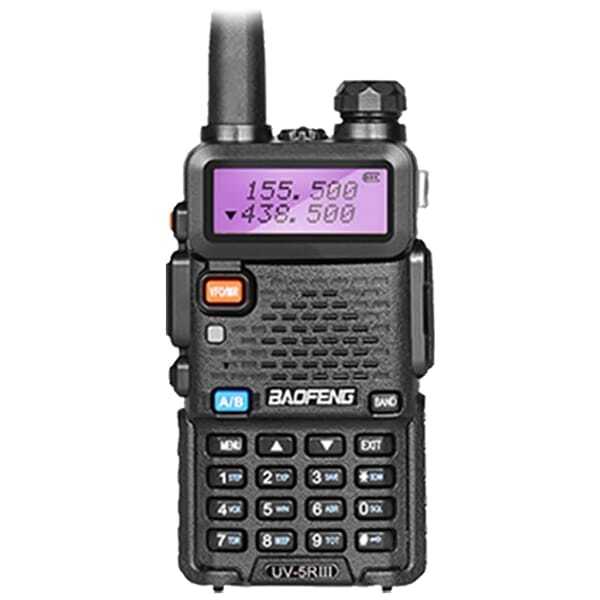
Unlike modern smartphones with high-resolution screens that display precise error messages, most traditional walkie-talkies rely on audio cues—beeps, tones, and static—to alert the user. While a screen-based radio like the Baofeng UV-5R III might show a blinking icon, a screenless radio will simply beep. The key to fixing the issue is identifying the pattern of the beep. Is it a continuous solid tone? A short chirp every few seconds? Or a beep only when you press a button?
5 Common Reasons Your Walkie Talkie Keeps Beeping (And How to Fix It)
1. The Low Battery Warning (The Most Common Culprit)
The Sound: A short, intermittent "chirp" or double-beep that repeats every 10 to 30 seconds.
The Reason: This is the universal radio language for "my battery is dying." When the battery voltage drops below a safe operating threshold, the radio prevents you from transmitting and emits a warning tone so you aren't caught off-guard with a dead radio.
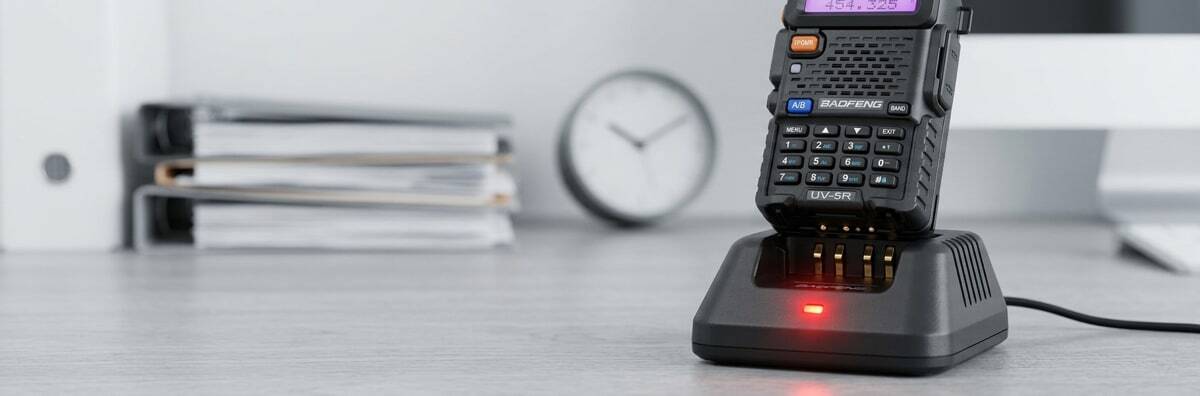
The Fix: Swap the battery for a fully charged one or place the radio in its charging dock. If your radio beeps even after a full charge, the battery cell itself may be degraded and cannot hold voltage. Check out our comprehensive walkie-talkie battery guide for tips on maintaining battery health and knowing when to replace them..
2. You Are on an Unprogrammed Channel
The Sound: A continuous, loud, and solid "Beeeeeeep" that only stops when you change the channel or turn the radio off.
The Reason: If you accidentally bump the channel selector knob to a channel number that has no frequency programmed into it (for example, switching to Channel 16 when only Channels 1-15 are set up), the radio will scream at you. It is warning you that it cannot transmit or receive on this empty channel. In the UK, it is vital to stay within licensed frequencies; see our guide on How to Get a Ham Radio Licence in the UK.
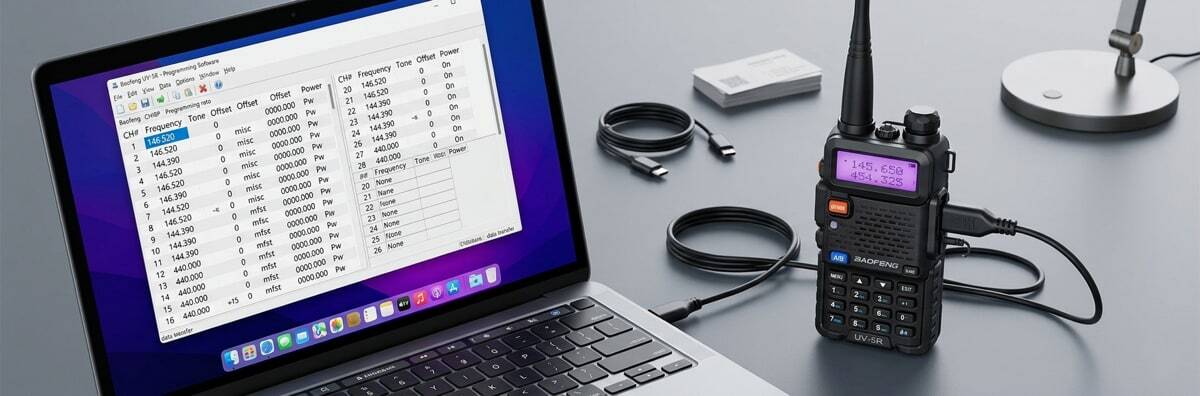
The Fix: Simply turn the channel knob back to your designated working channel. If you need to add frequencies to those empty channels, you will need to use a PC cable and the official Baofeng programming software. See our full tutorial on how to program your Baofeng radio here.
3. The "Time-Out Timer" (TOT) is Active
The Sound: A sudden warning beep that interrupts your voice while you are holding down the button to talk.
The Reason: Professional radios feature a "Time-Out Timer" (TOT). This is a crucial safety feature designed to prevent someone from accidentally sitting on their radio and broadcasting dead air for hours, which would block the entire channel for everyone else. Usually, the TOT is set to 60 seconds. If you hold the Push-to-Talk (PTT) button longer than that, the radio cuts off your transmission and beeps.
The Fix: Release the PTT button, wait a second, and press it again to continue talking. To prevent this, try to keep your radio messages concise and under one minute. You can also adjust the TOT duration via your radio's menu or programming software.
4. The "Roger Beep" Feature is Turned On
The Sound: A short, sharp beep heard by other people on their radios every time you finish talking and release your button.
The Reason: The "Roger Beep" is a confirmation tone. It signals to the listener that you have finished your transmission and it is their turn to speak. While useful in noisy environments, many professional teams find it annoying.
The Fix: You can easily disable this. On most Baofeng models with a keypad, press the MENU, button, navigate to ROGER (usually around menu #39), and change it from ON to OFF.
5. A Stuck PTT Button or Faulty Earpiece
The Sound: Continuous transmitting or erratic beeping when accessories are plugged in.
The Reason: Dust, dirt, or sticky residue can cause the PTT button on the side of the radio to get stuck in the "pressed" position. Alternatively, if you are using a covert earpiece or a shoulder microphone, a frayed wire or water damage inside the accessory can cause a short circuit, tricking the radio into thinking the button is being pressed.
The Fix: Turn off the radio and unplug any earpieces or microphones. Turn the radio back on. If the beeping stops, your radio is fine, but your earpiece is broken and needs replacing. If it still beeps, use a can of compressed air or a slightly damp cloth to clean around the physical PTT button to ensure it moves freely.
Expert Tip: How to Factory Reset Your Baofeng Radio
If you have charged the battery, checked the channels, and removed all accessories, but your radio is still acting strangely or emitting error tones, a software glitch might be the cause. As a last resort, performing a factory reset can clear out any accidental settings you may have triggered.
On a standard keypad model:
- Turn on the radio.
- Press MENU.
- Type 40 to access the RESET menu.
- Press MENU again to select it.
- Choose ALL (to reset everything) or VFO (to reset just the settings, keeping saved channels).
- Press MENU to confirm.
Warning: Selecting 'ALL' will wipe your programmed channels, so make sure you have your settings backed up on your PC first!
By understanding the distinct audio cues your walkie-talkie provides, you can quickly diagnose whether you need a new battery, a software tweak, or simply a change of channel.
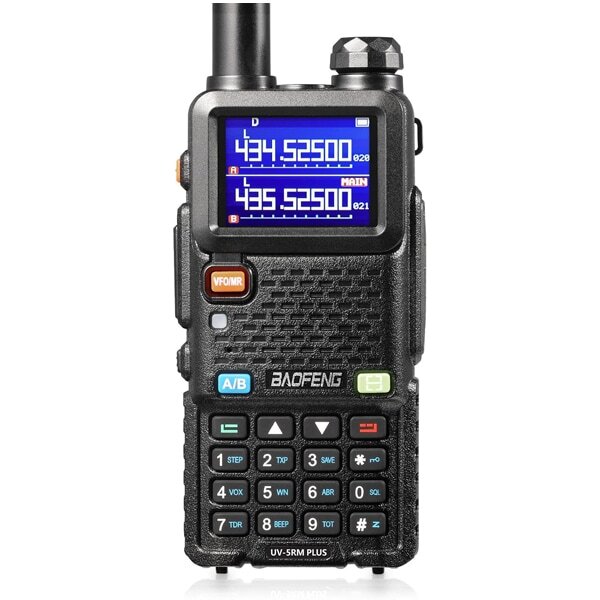
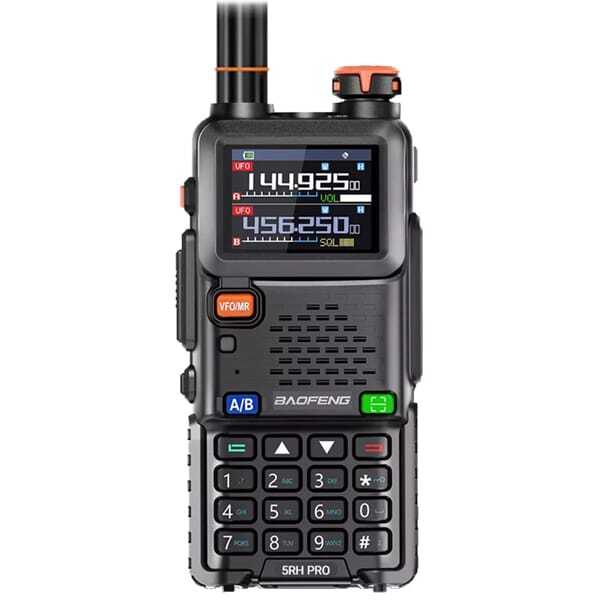
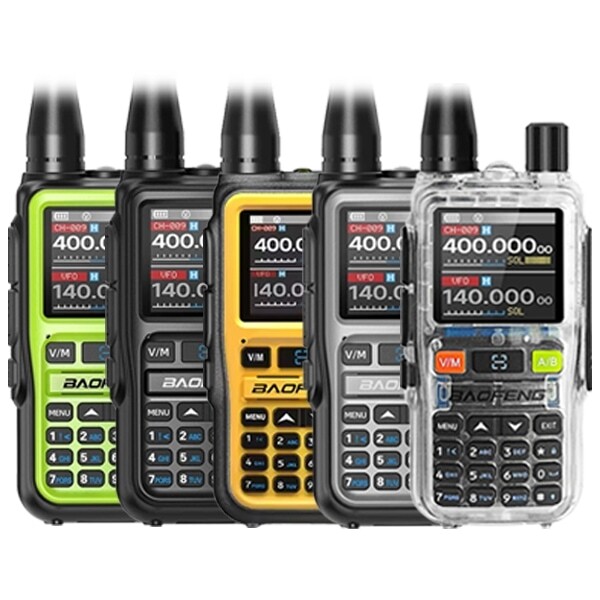
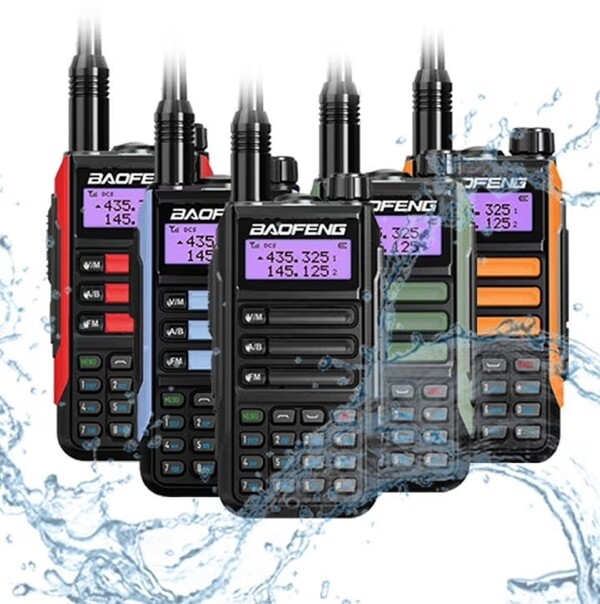
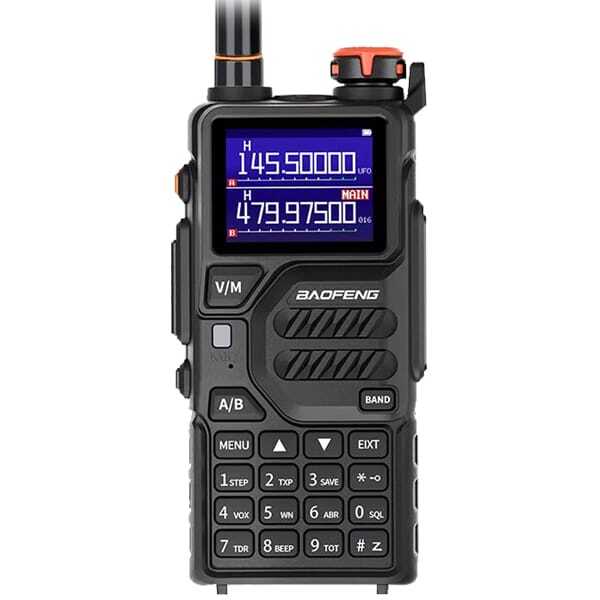
Upgrade to Professional UK Specification Radios
Frequently Asked Questions (FAQs)
1. Why does my walkie-talkie beep every time I press a button?
This is the Keypad Beep (or BEEP prompt) designed to give you audio feedback when typing in frequencies. If you find it annoying, you can turn it off. Press MENU, go to BEEP (usually menu #8), and switch it to OFF.
2. My radio is fully charged but still beeps like the battery is low. Why?
If the radio is fully charged but immediately gives a low-voltage warning, the battery itself is likely degraded. Lithium-ion batteries have a limited lifespan. Once the internal cells degrade, they can no longer hold the voltage required to transmit, meaning you need to purchase a replacement battery.
3. What does a solid, uninterrupted beep mean on a screenless radio?
On a screenless radio (like the Baofeng 888S or BF-88E), a solid, continuous beep almost always indicates that the channel selector knob is turned to an unprogrammed or empty channel. Turn the knob back to your usual channel to stop the noise.
4. Can other electronic devices cause my radio to beep?
Yes. Strong electromagnetic interference (EMI) from heavy machinery, poorly shielded computers, or medical equipment can occasionally cause a radio's receiver to open and emit static or electronic beeping noises. Try moving away from the area to see if the noise stops.
5. How do I stop my radio from cutting me off and beeping when I talk too long?
Your radio is triggering the Time-Out Timer (TOT). You can change this limit. Access your radio's menu, locate the TOT setting (usually menu #9), and increase the limit (e.g., from 60 seconds to 120 seconds) or turn it off entirely, though keeping a limit is recommended for safety.