
6th Apr 2026
Walkie Talkie Maintenance: How to Clean and Protect Your Two-Way Radios
Technical Support Insight | The Baofeng UK Experts | Equipment Care | Read time: 5 mins
Whether you are a construction worker dropping your radio in the mud, an event coordinator dealing with sudden downpours, or a security guard whose equipment is exposed to daily dust and sweat, your two-way radio takes a beating. Radios are rugged by design, but they are not indestructible. Over time, dirt clogs the microphones, battery contacts oxidize, and buttons become sticky.
Proper walkie talkie maintenance is the single most important factor in preventing sudden equipment failure during a critical moment. You don't need to be a technician to keep your radios in perfect working order. By incorporating a few expert cleaning routines and handling best practices, you can easily double the lifespan of your communications gear. Here is our professional guide to cleaning and maintaining your two-way radios.
The Importance of Routine Radio Maintenance
Many users treat their radios like hammers—tossing them into toolboxes or leaving them on truck dashboards in the baking sun. However, a radio is a highly sensitive piece of electronic equipment. Neglecting maintenance usually leads to three major issues: reduced transmission range (due to antenna damage), muffled audio (due to clogged speakers), and rapid battery drain (due to dirty power contacts). A simple 5-minute monthly cleaning routine completely eliminates these risks.
The Expert Guide to Cleaning Your Walkie Talkie
1. Cleaning the Exterior Chassis and Screen
The polycarbonate plastic body of your radio is tough, but the rubber buttons and side seals are vulnerable to harsh chemicals.
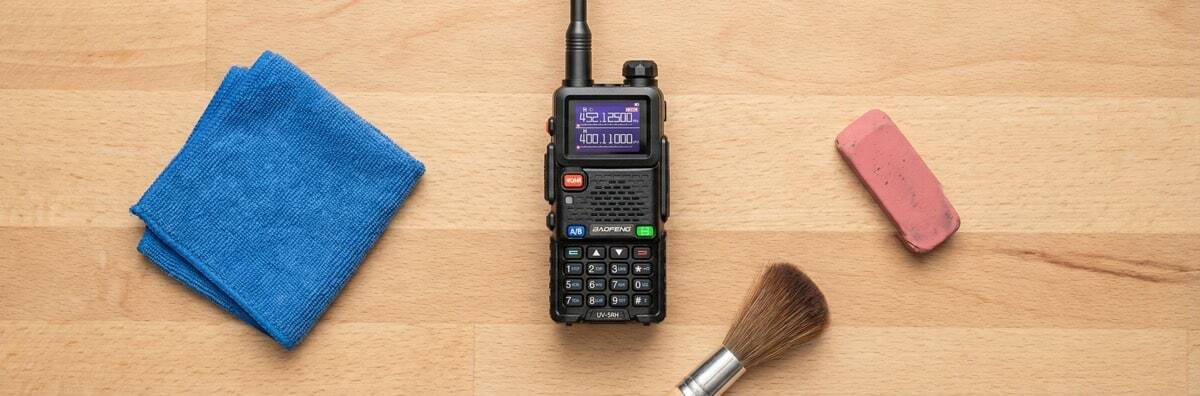
- What to use: A slightly damp microfiber cloth and a drop of mild dish soap, or standard 70% isopropyl alcohol wipes.
- What to avoid: Never use bleach, industrial solvents, or aerosol degreasers. These will melt the rubber Push-to-Talk (PTT) buttons and destroy the waterproofing seals around the casing. Gently wipe down the keypad, screen, and volume knobs to remove grease and sweat.
2. Restoring the Battery Contacts (The Eraser Trick)
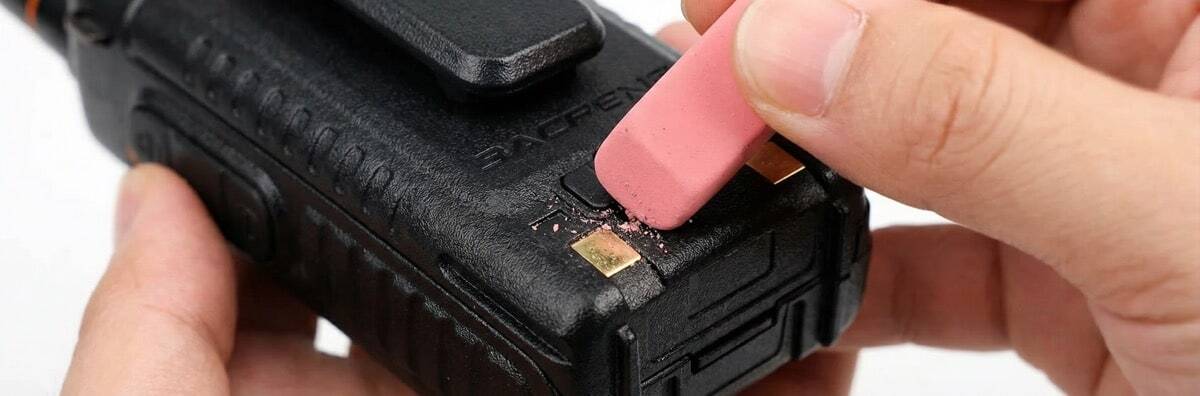
If your radio is struggling to charge in its dock, or randomly powers off when bumped, you likely have dirty battery contacts. The metal gold-plated contacts on the back of the radio and the battery itself can build up a microscopic layer of oxidation and carbon over time.
The Fix: Take a standard, clean pencil eraser and gently rub it back and forth across the metal contacts on both the radio and the battery. The rubber eraser is abrasive enough to remove the invisible oxidation without scratching the gold plating. Follow up by wiping the contacts with a Q-tip dipped in isopropyl alcohol. For more advice on battery health, read our comprehensive walkie-talkie battery guide.
3. Maintaining the SMA Antenna Connector
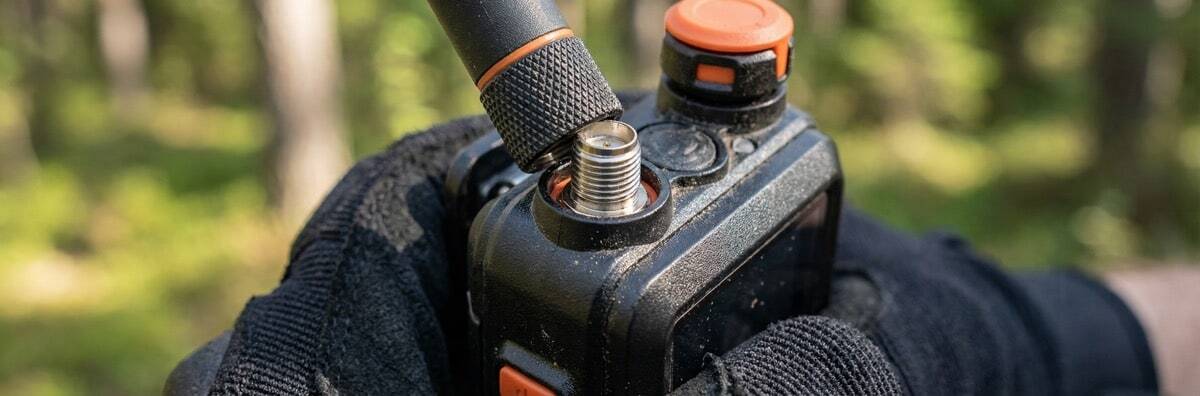
The threaded metal base where your antenna screws into the radio (the SMA connector) is a critical junction. If dirt or moisture gets trapped in these threads, it creates electrical resistance, which severely reduces your transmission range.
The Fix: Unscrew the antenna. Use a dry, soft-bristled toothbrush to sweep out any dust or grit from the threads on both the radio body and the antenna base. Never spray liquids directly into this port.
4. Clearing the Speaker and Microphone Grilles
If your team is complaining that you sound muffled, your microphone pinhole is likely blocked by lint or dust.
The Fix: Use a can of compressed air to blow out the speaker and microphone grilles.
Crucial Tip: Hold the can at least 6 inches away from the radio. Blasting high-pressure air directly into the grille from point-blank range can physically rupture the delicate internal speaker cone.
Protecting Your Radio in the Field
Cleaning is only half the battle. Preventive maintenance—how you physically handle the radio—is equally important.
Never Carry Your Radio by the Antenna
This is the most common mistake in the radio world. The antenna is not a handle. Swinging or pulling the radio by the antenna puts immense physical stress on the internal SMA solder joints on the circuit board. Over time, this micro-fractures the solder, leading to total signal loss. Always carry the radio by the chassis or use a belt clip.
Respect the IP Waterproofing Limits
Many Baofeng models feature IP54 or IP67 ratings, meaning they are resistant to water and dust. However, waterproofing degrades over time as rubber gaskets dry out. If your radio is exposed to heavy rain, do not just leave it in your bag. Remove the battery and let both pieces air dry completely at room temperature before putting it in a charging dock. Charging a wet radio will cause an instant short circuit.
Top Baofeng Radios Built for Tough Environments
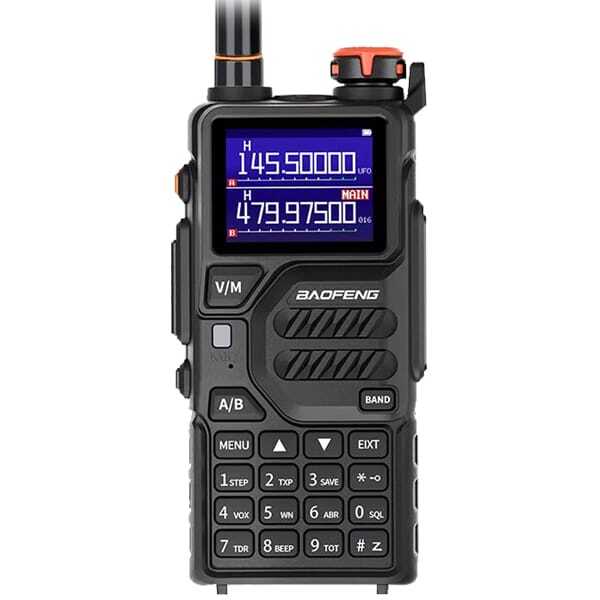
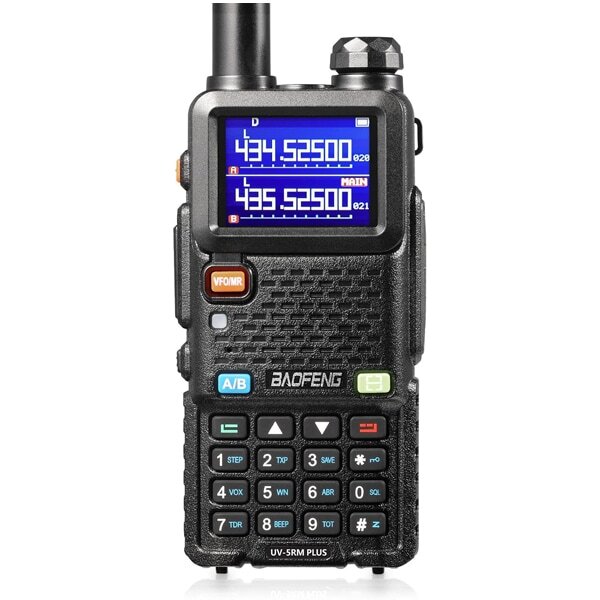
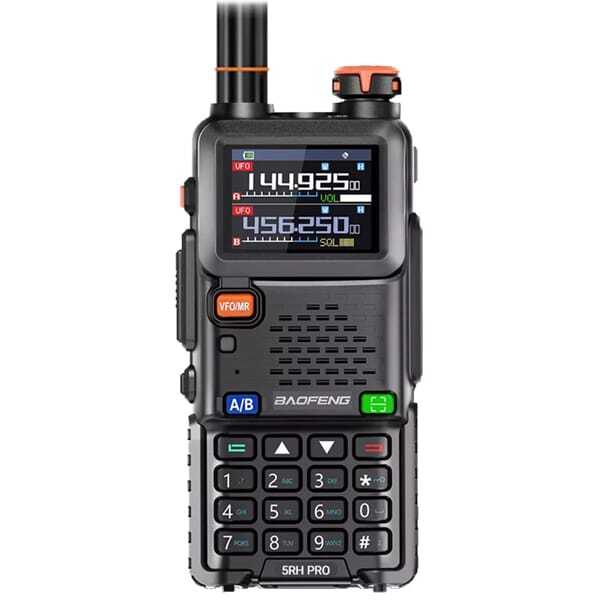
If you work in an environment where your equipment is constantly exposed to the elements, starting with a rugged radio is your best defense. The Baofeng UV-5R III is renowned for its durable chassis and easily replaceable parts. If you happen to snap an antenna or wear out a battery after years of heavy use, you can easily swap out the component rather than buying a whole new radio.
Just remember to back up your frequencies using your Baofeng programming software so you never lose your settings if a radio needs a factory reset.
Taking care of your walkie-talkies is an investment in your team's safety and efficiency. With a microfiber cloth, a pencil eraser, and a little bit of care, your Baofeng radios will keep you connected for years to come.
Upgrade to Professional UK Specification Radios
Frequently Asked Questions (FAQs)
1. Can I use alcohol wipes to clean my walkie-talkie?
Yes. Wipes containing 70% isopropyl alcohol are excellent for cleaning and disinfecting the plastic chassis, rubber keypads, and screens of your two-way radio. However, avoid soaking the radio; the alcohol should evaporate almost instantly.
2. Why is my walkie-talkie not charging in the dock?
The most common reason is dirty or oxidized metal contacts on the back of the battery or inside the charging cradle. Use a standard pencil eraser to gently rub the metal contacts clean, then wipe them with a dry cloth.
3. Is it okay to use a hairdryer to dry a wet walkie-talkie?
No. You should never use direct, high heat to dry a radio. The heat from a hairdryer can melt the internal rubber seals, warp the plastic, and damage the LCD screen. Instead, remove the battery, pat the radio dry with a towel, and let it air dry in a well-ventilated room.
4. How do I fix a sticky Push-to-Talk (PTT) button?
A sticky PTT button is usually caused by spilled liquids (like coffee or soda) or a buildup of mud. Turn off the radio, remove the battery, and use a Q-tip lightly dampened with isopropyl alcohol to clean the crevices around the button. Press the button repeatedly while cleaning to work the alcohol into the edges.
5. How often should I perform maintenance on my radios?
For heavy commercial use (construction, security, daily hospitality), a quick wipe-down and contact check should be done once a month. For casual or seasonal use (camping, occasional road trips), performing this maintenance before you put the radios into long-term storage is sufficient.