



Sale
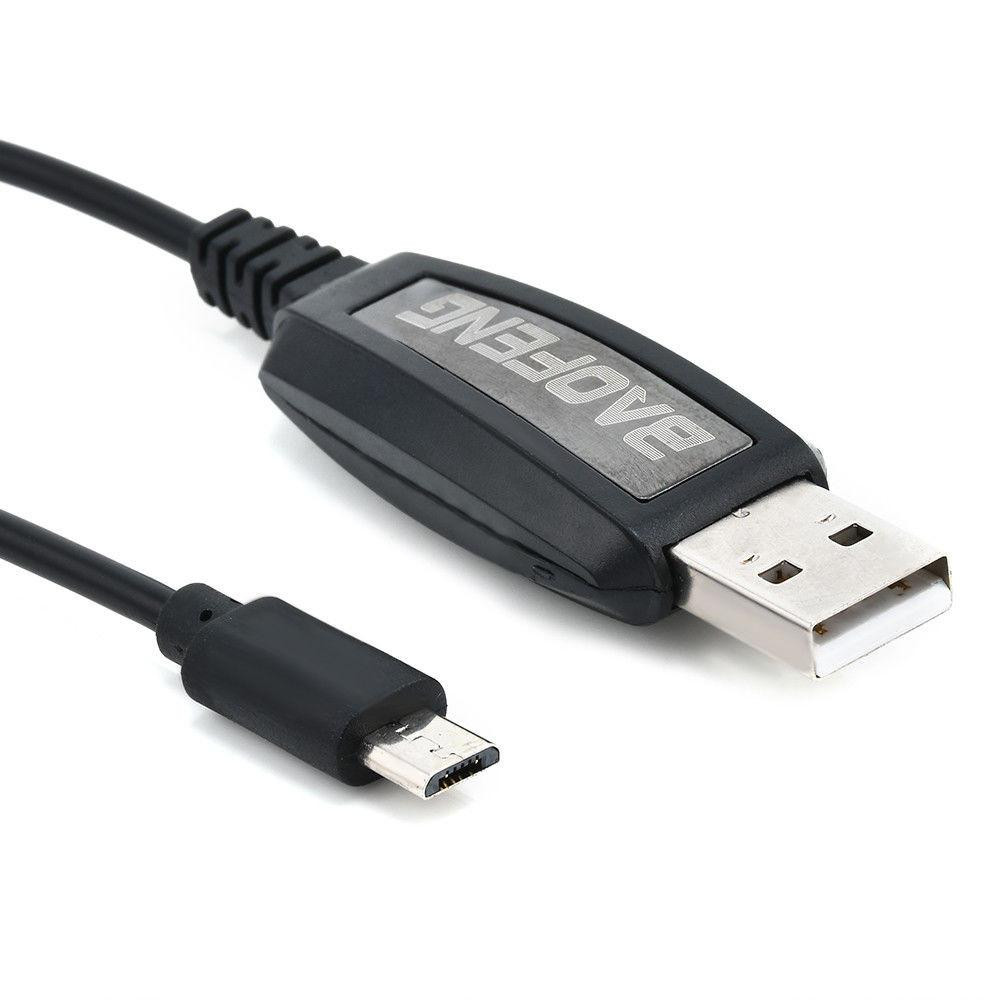
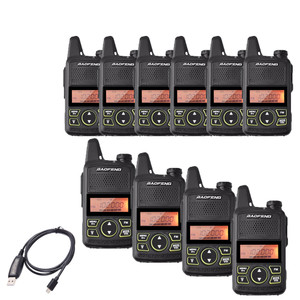
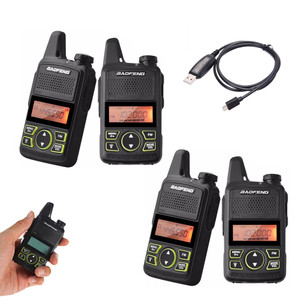
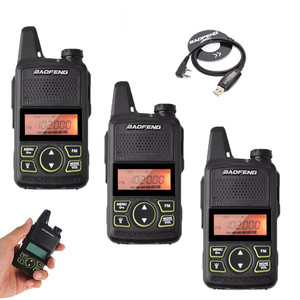
Powerful Baofeng USB Programming Cable for BF-T1 Radio
BAOFENG
£10.99
£4.49
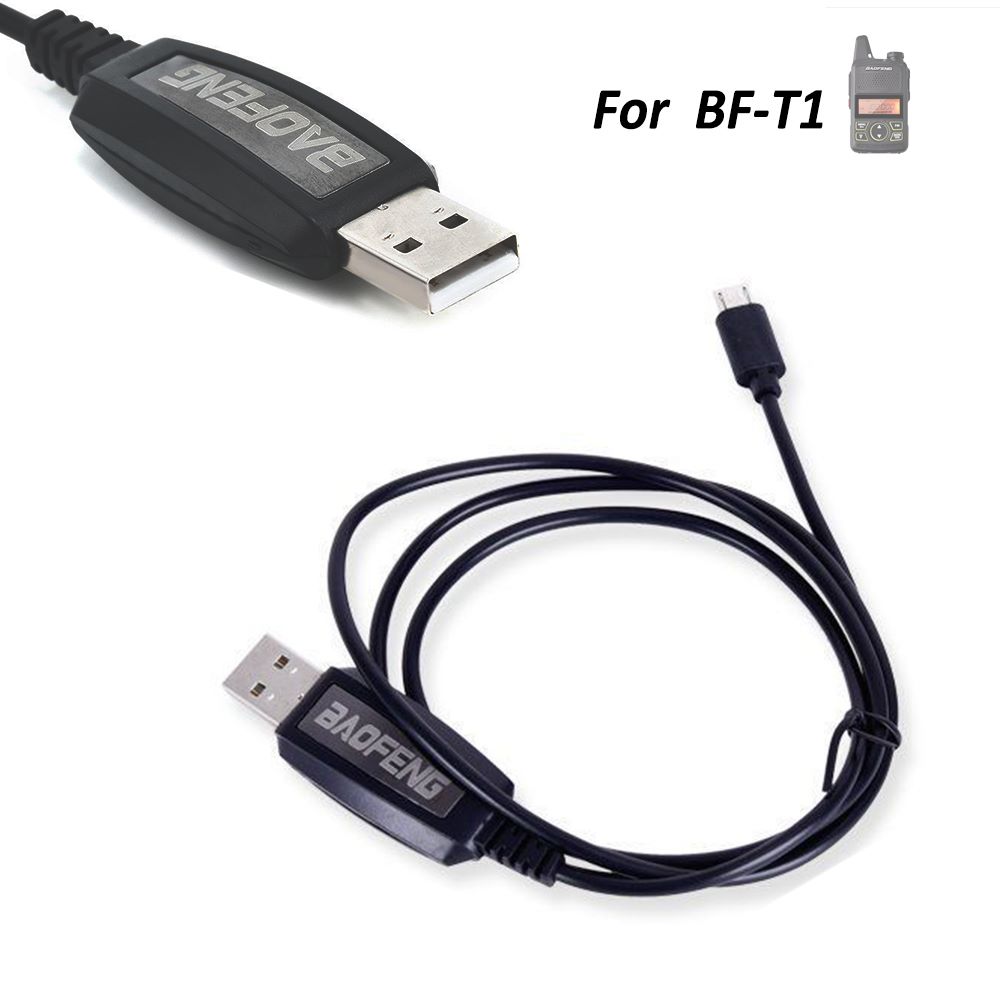
Original Baofeng BF-T1 USB Programming Cable
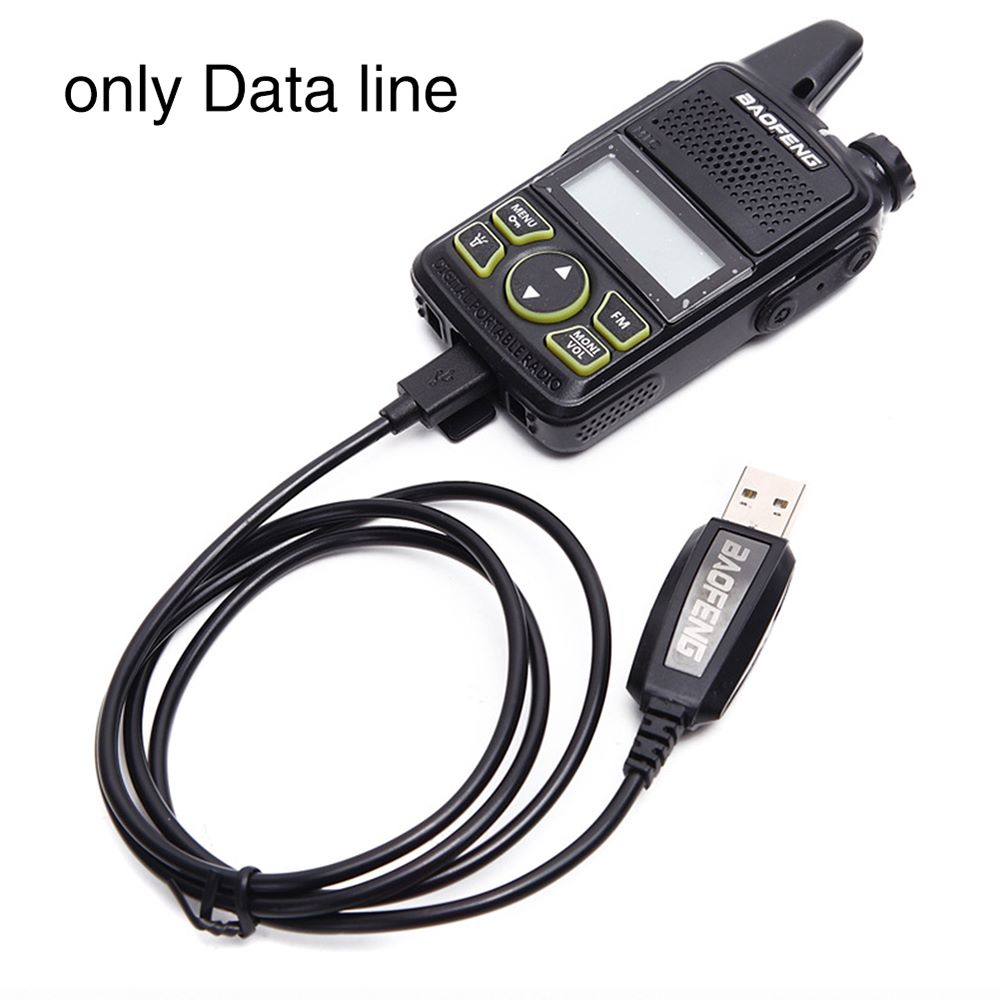
Unlock the full potential of your two-way radio with the Original Baofeng USB Programming Cable, designed specifically for the Baofeng BF-T1 Mini Walkie-Talkie. Whether you need to update frequencies, manage channels, or customize radio settings, this genuine OEM cable ensures a stable, error-free connection between your PC and your radio.
Key Features & Benefits
- Genuine OEM Quality: Authentic Baofeng accessory guarantees seamless data transfer and prevents the driver issues common with counterfeit cables.
- Exclusive Compatibility: Custom-made exclusively for the Baofeng BF-T1 mini radio.
- Broad Software Support: Fully compatible with official Baofeng programming software and highly recommended third-party software like CHIRP.
- Plug-and-Play Operation: Easy setup for Windows PCs. Simply plug it in, allow drivers to install, and start programming.
Expert Tips: How to Program Your BF-T1
- Download and install the official Baofeng CPS software from our site, or use CHIRP on your PC.
- Plug the USB end of the cable into your computer and the connector end into your BF-T1 radio.
- Turn your radio ON.
- Open your software, select the correct COM port, and begin customizing your frequencies and channels!
Frequently Asked Questions (FAQ)
Q: Will this cable work with other Baofeng radios like the UV-5R?
A: No. This cable is specifically designed for the Baofeng BF-T1 mini radio. Standard radios like the UV-5R use a 2-pin Kenwood-style connector, whereas the BF-T1 requires this specialized USB cable.
Q: Where can I get the programming software?
A: You can easily download the official Baofeng CPS software directly from our website here. Alternatively, many users also like using CHIRP, a free third-party software trusted by the ham radio community.
Q: What operating systems are supported?
A: This cable works smoothly with Windows PCs (Windows 7, 8, 10, and 11). For Mac or Linux users, CHIRP software is compatible, but you may need to manually install the appropriate USB drivers.
Q: My PC isn't recognizing the cable. What should I do?
A: Ensure the radio is powered ON and securely plugged into the computer. If the device still isn't recognized, you may need to download and install the latest USB to Serial driver (such as CH340 or Prolific) for your computer's operating system.
Package Includes:
- 1 x Original Baofeng BF-T1 USB Programming Cable
Reviews
-
Powerful Baofeng USB Programming Cable for BF-T1 Radio
Not used yet, ordering was easy arrived in good time and condition looks as though it should be easy to use, if when used if it changes my opinion I will edit my comments.